
 ENG
ENG
 English
 русский
 한국어
한국어 Deutsch
Submit feedback
News
 Home / News / Industry News / What a USB Charger Really Does and How to Choose a Safe, Reliable One for Your Devices
 What a USB Charger Really Does and How to Choose a Safe, Reliable One for Your Devices
 2026.10.10
 Industry News
A USB charger that arrives in a phone box looks like a sealed plastic cube, but inside it is a switch-mode power supply that rectifies mains voltage, chops it at high frequency, and steps it down to the 5V, 9V, 15V, or 20V your device expects. That difference between a simple adapter and a regulated power supply is where most buying decisions go wrong. The most reliable USB charger is not the smallest or the cheapest one on the shelf; it is the one whose continuous output, protocol support, and safety margins match the load and the region where it will be used.
Content
- 1 How a USB Charger Turns Wall Power into Safe DC
- 2 Power Ratings: Why Wattage Is Not Just a Number
- 3 Built-in USB Chargers in Power Strips: A Practical Option
- 4 Safety, Standards, and What to Verify Before You Buy
- 5 Matching a USB Charger to the Device and the Environment
- 6 Common Buying Mistakes and How to Avoid Them
How a USB Charger Turns Wall Power into Safe DC
At the input side, a USB charger accepts 100–240V AC at 50 or 60 Hz. A bridge rectifier and a capacitor smooth that into a high-voltage DC bus. A switching controller then drives a transformer at tens or hundreds of kilohertz, which allows the transformer to be small while still transferring enough energy. On the secondary side, a rectifier and filter produce low-voltage DC. Feedback from the output side adjusts the switching duty cycle to hold voltage steady as the load changes.
The tricky part is not making 5V. It is making 5V, 9V, 15V, and 20V safely and only when the device asks for it. USB Power Delivery (USB PD) defines a handshake over the USB-C configuration channel. The charger advertises its capabilities, the device requests a voltage and current, and both sides agree before the output changes. Without that handshake, a device might see the wrong voltage, which is why a quality charger includes protection against overvoltage, overcurrent, and short circuits.
| Protocol | Typical output | Practical effect |
|---|---|---|
| USB BC 1.2 | 5V at up to 1.5A | Legacy charging for older phones and small accessories. |
| USB Power Delivery (PD) | 5V–20V, up to 100W or more | Fast charging for laptops, tablets, and modern phones. |
| Qualcomm Quick Charge | 5V–12V, variable | Proprietary high-voltage charging on some Android devices. |
| USB PD PPS | 3.3V–21V, 20mV steps | Fine voltage control that reduces heat during fast charging. |
Power Ratings: Why Wattage Is Not Just a Number
Wattage is the product of voltage and current, but the number on a charger label often describes its maximum, not what every port can deliver at once. A 65W charger with two USB-C ports might split that power as 45W and 20W when both are in use. If you plug a laptop into the 20W port, it will charge slowly or not at all. The same logic applies to multi-port power strips: total wattage is shared, so the sum of connected loads matters.
Continuous output is another distinction. A charger rated for 30W can usually deliver 30W indefinitely at room temperature, but cheap units may throttle after 20 or 30 minutes. For a device that draws power all day, such as a point-of-sale tablet or a medical monitor, that thermal behavior is a reliability issue, not a minor inconvenience.
| Wattage range | Typical current | Best for |
|---|---|---|
| 5W–18W | 1A–3A at 5V–9V | Phones, earbuds, small sensors, older USB accessories. |
| 30W–45W | 2A–3A at 15V–20V | Tablets, ultraportable laptops, handheld terminals, USB hubs. |
| 65W–100W | 3A–5A at 20V | Full-size laptops, docks, monitors with USB-C power delivery. |
| 100W+ | 5A at 20V or higher | Workstations, multi-device charging stations, industrial panels. |
Built-in USB Chargers in Power Strips: A Practical Option
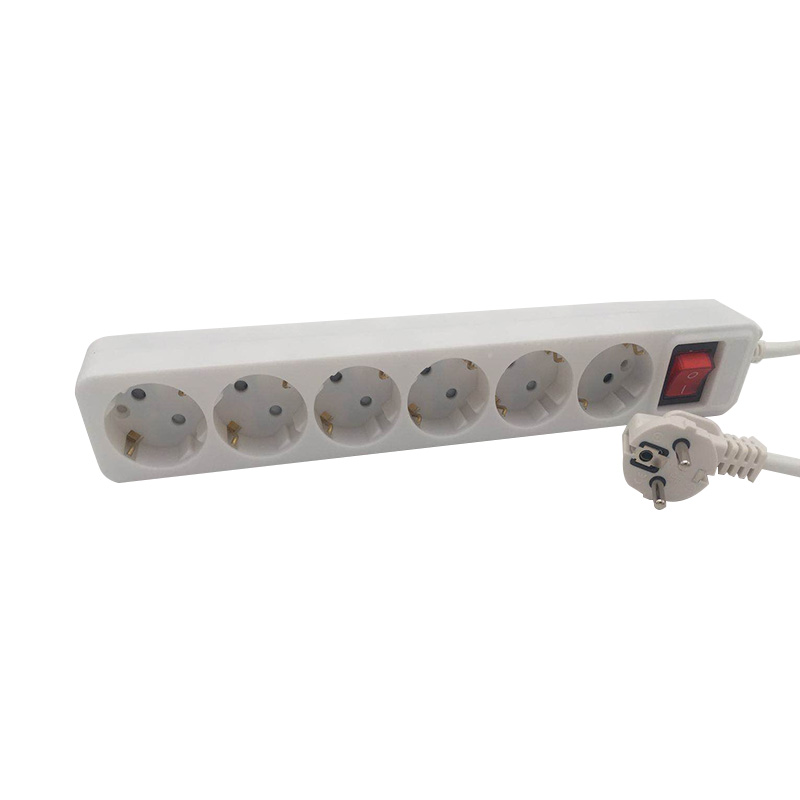
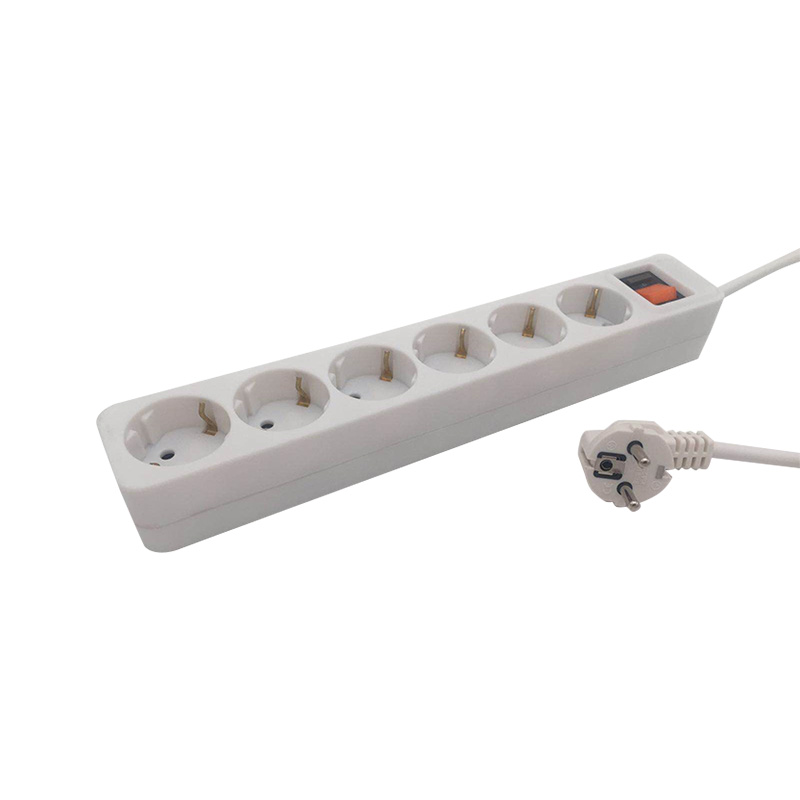
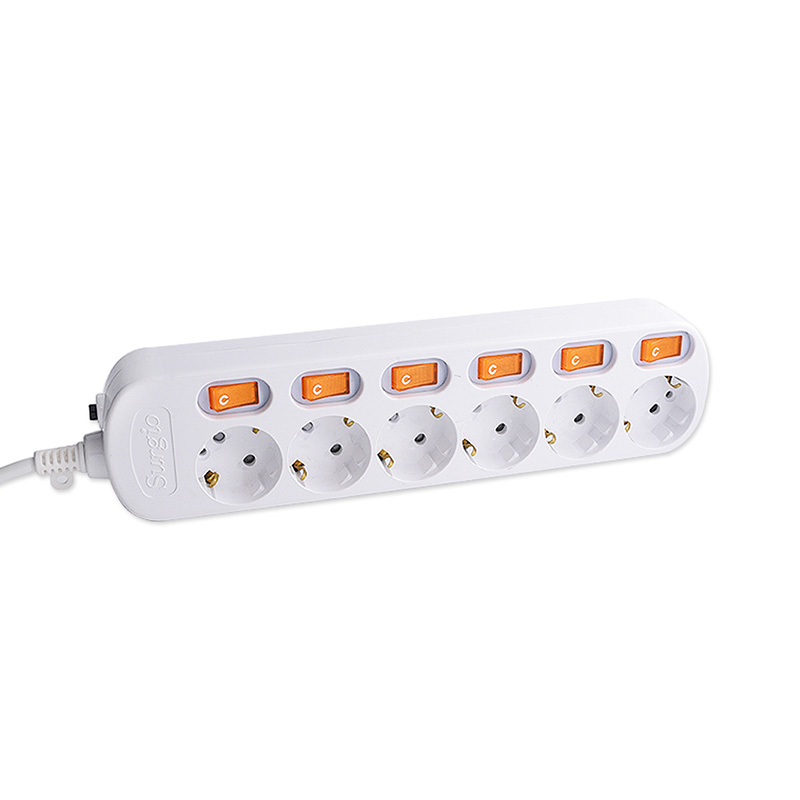
Not every USB charger is a wall adapter. A growing share of charging happens through USB ports built into power strips, desk outlets, and cable reels. This approach saves outlet space, reduces the number of separate adapters, and keeps charging in one place. For an office, a workshop, or a hotel room, a USB power strip can replace several loose chargers while still providing standard AC sockets for other equipment.
One common configuration is a wireless socket with two USB ports and one AC outlet. It is useful where a wall outlet is already occupied, because it adds USB charging without a bulky adapter. For example, USB power strips from Hangzhou Newmany Electronics include models that combine EU standard sockets with 2 USB ports and a master switch. The master switch cuts power to all outlets at once, which helps when equipment is left unattended overnight.
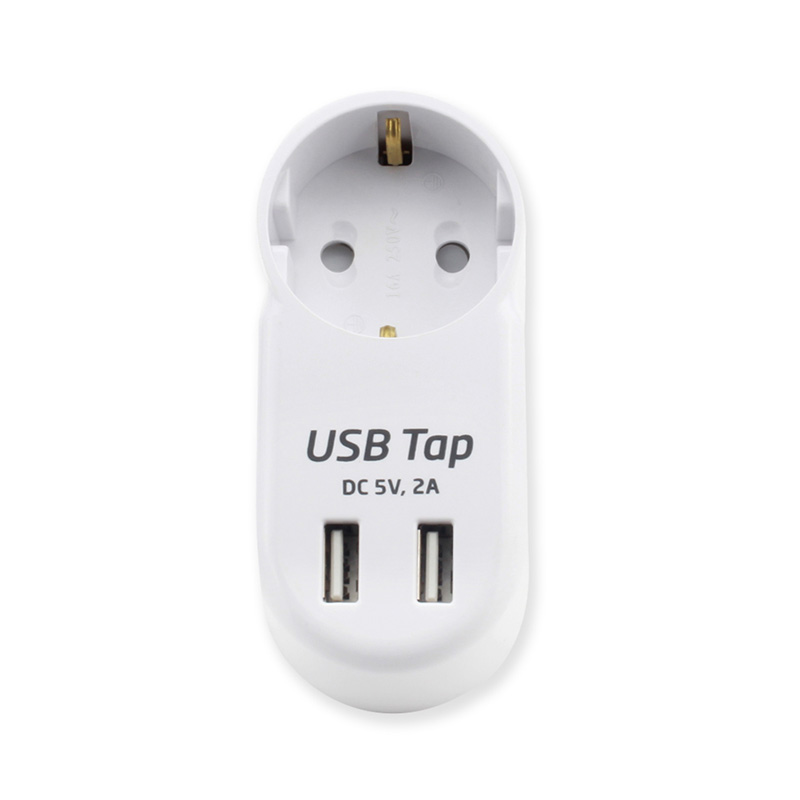 Portable EU Wireless Socket with 2 USB PortsFor occupied wall outlets, this single-outlet EU wireless socket adds two USB ports, with 5V 2.4A output and overload protection.View Product →
When more outlets are needed, a 3-outlet EU standard socket with 2 USB ports and a master switch offers a balance between desk footprint and capacity. The USB ports share a fixed output, so they are best for phones and tablets rather than laptops that demand 45W or more. In a retail counter or a service desk, this kind of strip keeps barcode scanners, a receipt printer, and a phone charging from one wall connection.
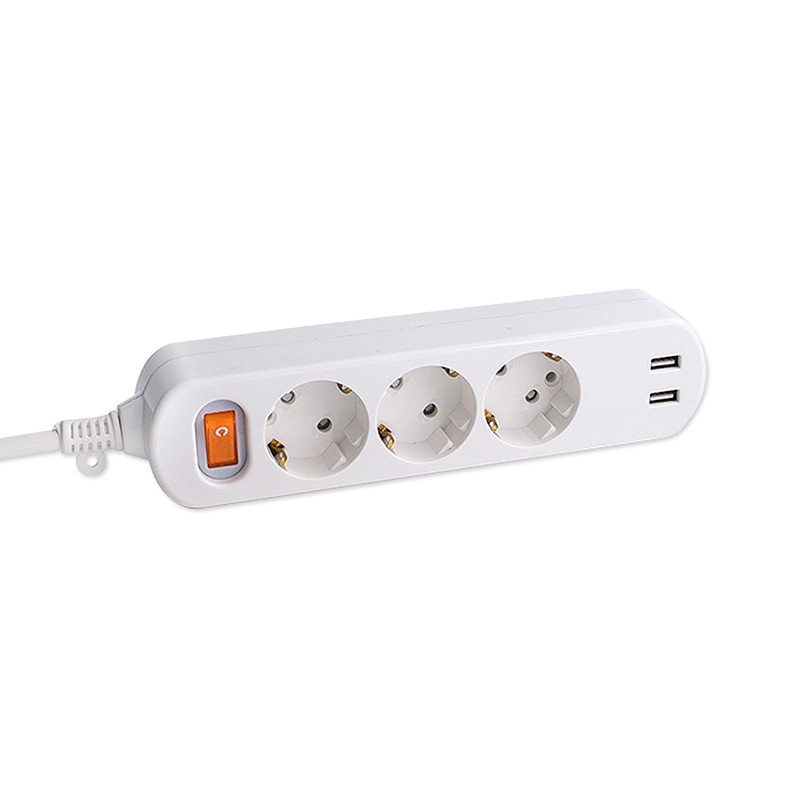 EU Standard 3-Outlet Power Strip with 2 USB PortsThree EU AC outlets, two 5V 2.4A USB ports, and a master switch suit desks or counters where phones and scanners share one wall connection.View Product →
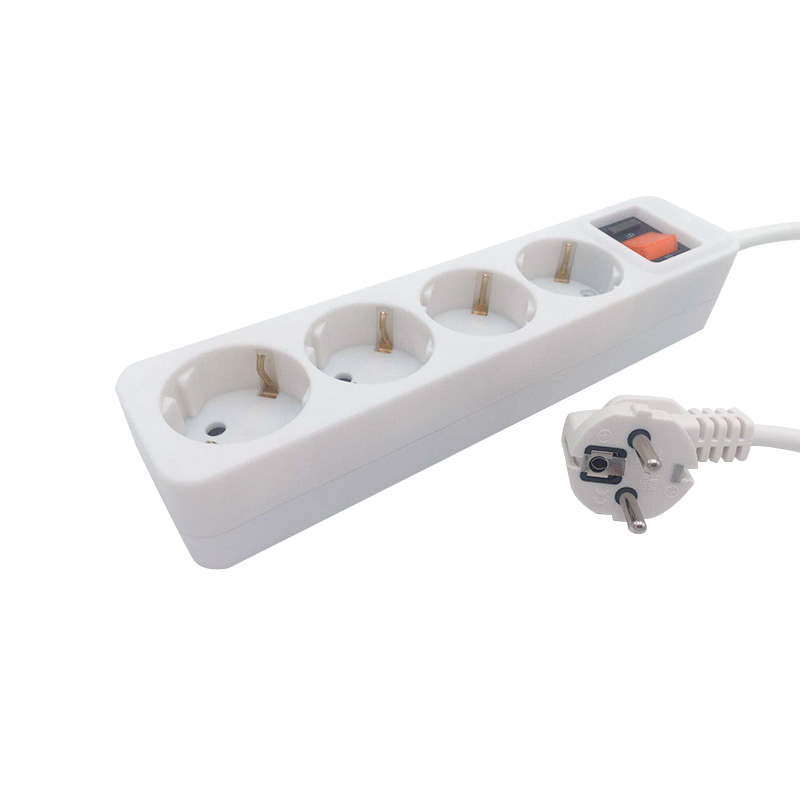
For loads that need stronger protection, a 4-outlet strip with 2 USB ports and an overload protection switch adds a resettable breaker. If the total current exceeds the rating, the breaker trips before the wiring overheats. That feature matters in workshops, garages, or any location where multiple power tools and chargers share a single circuit. The overload protection switch is not a substitute for a building fuse, but it adds a local layer of safety.
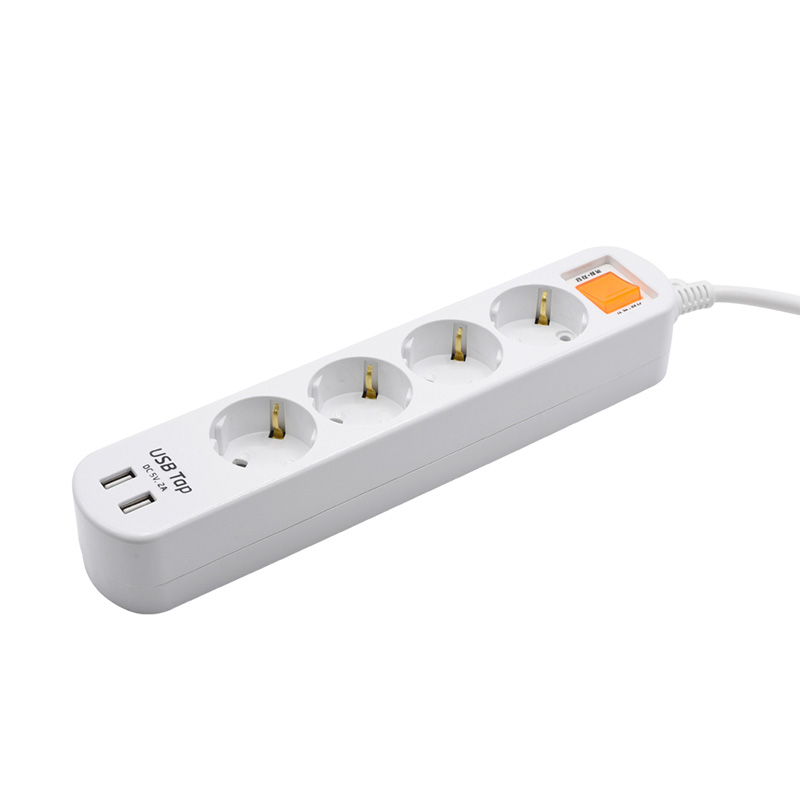 EU Standard 4-Outlet Power Strip with 2 USB PortsFour EU AC outlets, two 5V 2.4A USB ports, and a resettable overload switch suit workshops or garages with mixed tools and chargers.View Product →
Safety, Standards, and What to Verify Before You Buy
A USB charger is a mains-connected device, so the relevant safety standards are not optional. In the European Union, chargers and power strips must carry CE marking and meet the Low Voltage Directive and EMC requirements. In the United States, UL 60950 or UL 62368-1 applies. China uses GB standards, and Korea requires KC certification. A charger that lacks the marking for its destination market may work on a bench, but it creates liability for importers and retailers.
Beyond the mark, look at the protection features. A reliable charger includes overvoltage protection, overcurrent protection, short-circuit protection, and thermal cutoff. Some designs add self-diagnostic functions that monitor output and shut down before a fault becomes a fire risk. Hangzhou Newmany has published technical notes on how a power supply strip detects a fault and protects both itself and the load, which gives a sense of the design questions worth asking. You can read more about those self-protection measures before specifying a model.
Material choice also affects safety. PC (polycarbonate) enclosures resist heat and flame better than many cheaper plastics, while PP (polypropylene) offers chemical resistance for harsh environments. The enclosure should not soften or deform during normal charging, and the pins must maintain firm contact after repeated insertion. A supplier with ISO 9001 certification and local product certifications, such as CCEE in China, has at least documented a quality system that covers incoming materials, process control, and final testing.
Matching a USB Charger to the Device and the Environment
The same charger that works in a dry office may fail in a workshop with airborne dust or in an outdoor cable reel that sees rain. Ingress protection ratings, such as IP44 or IP54, describe how well an enclosure keeps out solid objects and water. If the charger will be used near machinery, vibration and oil exposure also matter. For medical environments, leakage current and isolation requirements are stricter than for consumer chargers, and the power cord may need to meet specific biocompatibility or cleaning standards.
Temperature range is another practical limit. A charger rated for 0–40°C may derate or shut down above 35°C. In an unconditioned warehouse or a vehicle, that could mean charging stops exactly when it is needed. Check the operating temperature on the datasheet, not just the storage temperature. If the charger will sit in direct sun, a white or light-colored enclosure helps, and a charger with a thermal foldback feature will reduce output rather than overheat.
Common Buying Mistakes and How to Avoid Them
- Buying by port count alone: a 4-port charger may deliver only 12W total, so each port gets far less than a single-port unit.
- Ignoring cable quality: a thin or damaged cable adds resistance, which causes voltage drop and heat. For 100W charging, use a cable rated for 5A and 20V, such as a USB-C cable with an e-marker chip.
- Assuming all USB-C ports are the same: some are data-only, some charge at 5V, and some support full USB PD. Read the port labels or specifications.
- Using a charger outside its certified region: a plug adapter changes the pin shape but not the internal voltage rating. A 120V-only charger can fail quickly on 230V.
- Placing a charger where it cannot dissipate heat: covering it with papers or installing it behind a curtain reduces airflow and raises internal temperature.
Choosing a USB charger comes down to reading the output ratings, confirming the protocol handshake, and matching the safety certification to the destination market. A charger that delivers 30W continuously with proper protection is a better investment than a 65W unit that throttles after ten minutes. When charging is integrated into a power strip, check how the total wattage is shared and whether the USB ports have their own overload protection. Those details decide whether the charger survives daily use or becomes a warranty claim.


PRODUCTS
ABOUT US
CONTACT INFO.
- +86-18758062352
- +86-0571-64701616
- [email protected]
- No. 7, Xinqu Road, Xin’Anjiang Street, Jiande, Hangzhou, Zhejiang, China

Copyright © 2023 Hangzhou Newmany Electronics Co., Ltd. All Rights Reserved. Power Strip Manufacturer in China| Login

 TOP
TOP