
 ENG
ENG
 English
 русский
 한국어
한국어 Deutsch
Submit feedback
News

Surge Protector vs Power Strip: Key Differences Explained
 2026.03.12
 Industry News
A power strip just adds more outlets. A surge protector does that and shields your devices from voltage spikes that can silently damage or destroy electronics. If you're plugging in a TV, computer, gaming console, or any device with a circuit board, you need a surge protector — not just a power strip. The two look nearly identical, which is why millions of people unknowingly use the wrong one.
Here's how to tell them apart and choose the right one every time.
Content
What a Power Strip Actually Does
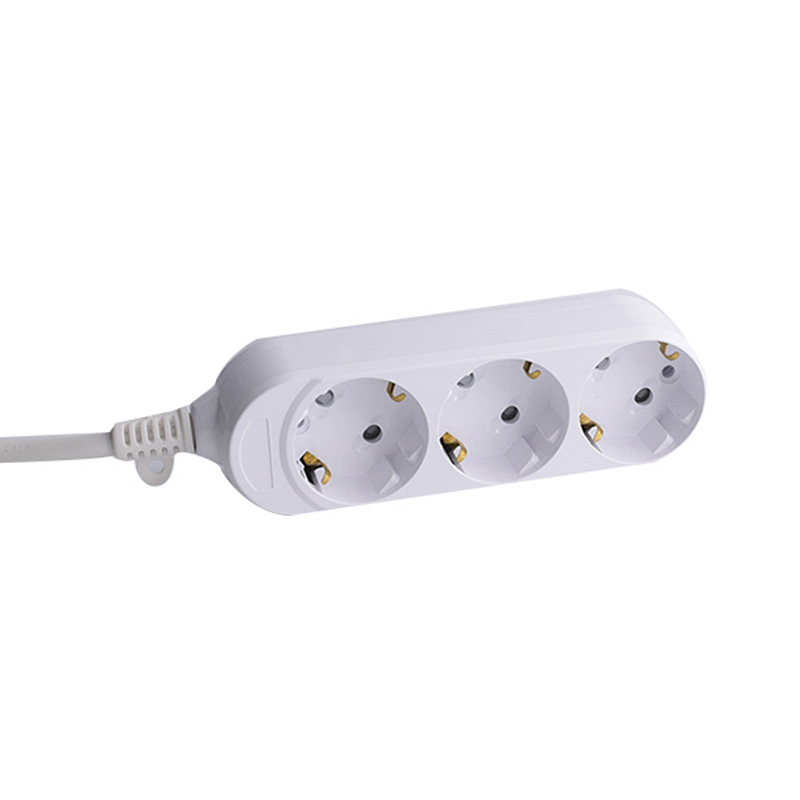
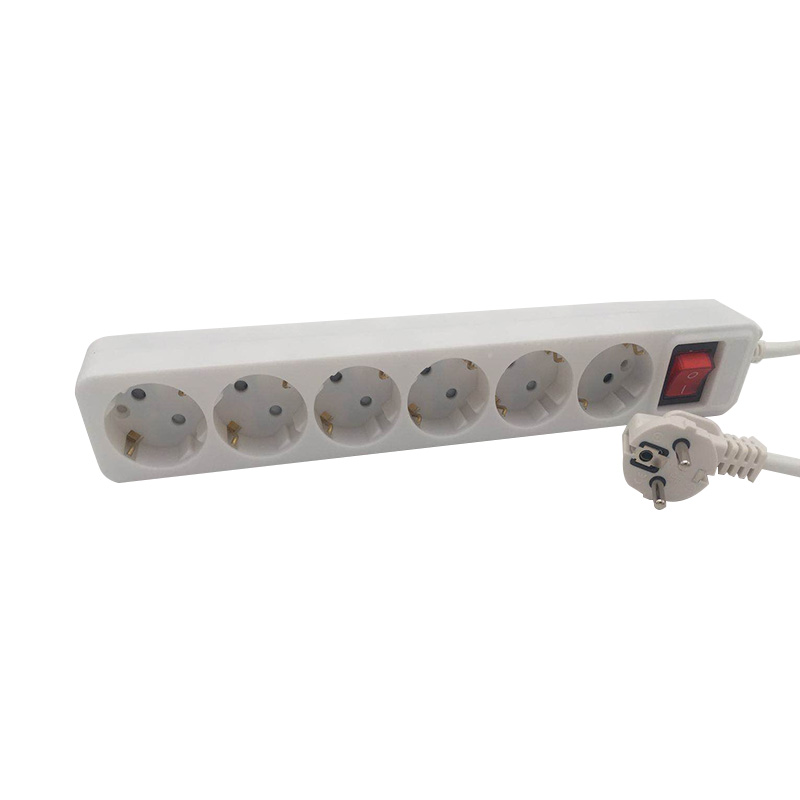
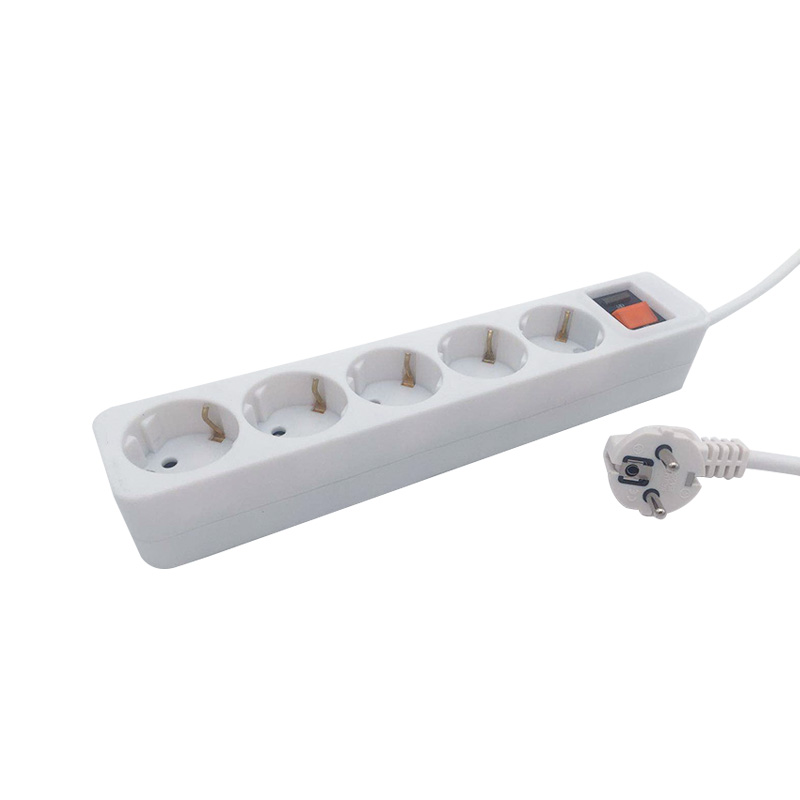
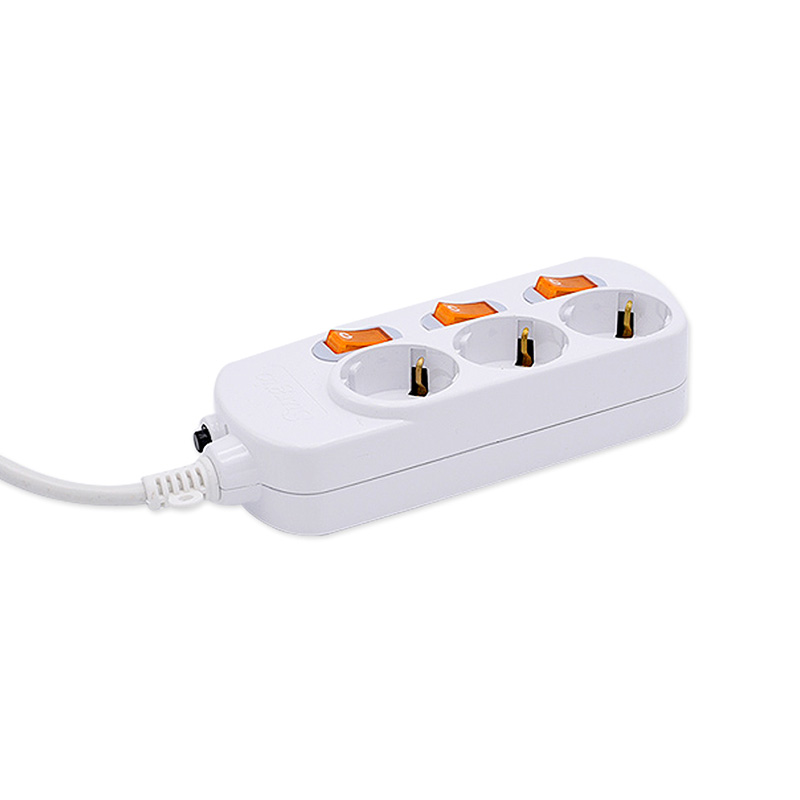
A power strip is essentially an extension cord with multiple outlets. It takes a single wall socket and multiplies it into 4, 6, 8, or more outlets. That's it. There is no filtering, no protection circuitry, and no defense against electrical surges.
Most basic power strips include an on/off switch and sometimes a circuit breaker to prevent overloading, but a circuit breaker only protects against sustained overcurrent — not the split-second voltage spikes that fry electronics.
Power strips are perfectly fine for low-risk devices like lamps, fans, phone chargers, and small appliances that don't contain sensitive microprocessors.
What a Surge Protector Actually Does
A surge protector contains internal components — most commonly Metal Oxide Varistors (MOVs) — that detect voltage spikes above the safe threshold (typically 120V in North America) and divert excess electricity to the ground wire before it reaches your devices.
Voltage surges happen more often than most people realize:
- Lightning strikes near power lines
- Power returning after an outage
- Large appliances (like refrigerators or AC units) cycling on and off
- Utility company switching operations
According to the Insurance Information Institute, power surges cause billions of dollars in property damage annually in the U.S. A quality surge protector costs $20–$60. Replacing a high-end TV or laptop costs $500–$2,000+.
How to Tell the Difference at a Glance
The packaging and the unit itself will usually reveal which type you have. Here's what to look for:
| Feature | Power Strip | Surge Protector |
|---|---|---|
| Joule Rating Listed | No | Yes (look for 1,000–3,000+ joules) |
| Protected Indicator Light | No | Usually yes |
| UL 1449 Certification | No | Yes (required for surge protectors) |
| Connected Equipment Warranty | No | Often yes (some up to $300,000) |
| Clamping Voltage Spec | Not listed | Listed (lower is better; aim for ≤400V) |
| Typical Price | $5–$20 | $20–$100+ |
The single fastest check: look for a joule rating on the box. If it's not there, you're holding a power strip.
Understanding Joule Ratings
The joule rating tells you how much total surge energy the protector can absorb before its MOVs wear out. Think of it as a sacrifice — the MOVs take the hit so your devices don't.
- Under 1,000 joules: Basic protection; fine for low-value electronics
- 1,000–2,000 joules: Good for TVs, gaming consoles, and home office gear
- 2,000+ joules: Recommended for high-end home theater systems, servers, or areas prone to storms
Crucially, a surge protector does not last forever. After absorbing enough surges, the MOVs degrade and the unit silently stops protecting — it keeps working as a power strip, but the protection is gone. Many quality models include an indicator light that turns off when protection is depleted.
When to Use Each One
Use a power strip for:
- Table lamps and floor lamps
- Box fans or standing fans
- Basic phone chargers (though a surge protector won't hurt)
- Small kitchen appliances like toasters or kettles (avoid power strips that aren't rated for the wattage)
Use a surge protector for:
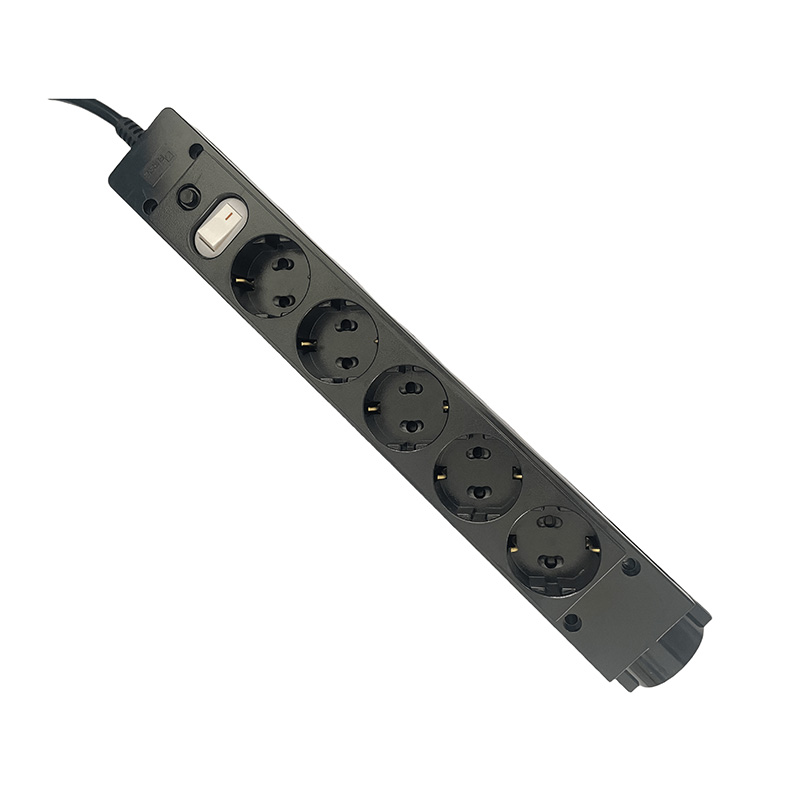
- Desktop and laptop computers
- Televisions and monitors
- Gaming consoles (PS5, Xbox, Nintendo Switch)
- Home theater receivers and soundbars
- Network routers and modems
- NAS drives or any external storage
- Smart home hubs
Common Mistakes to Avoid
Assuming all surge protectors are equal
A $8 "surge protector" from a discount bin may technically qualify as one, but with only 200–400 joules of capacity, it offers minimal real-world protection. Spend at least $25–$40 for a unit from a reputable brand like Tripp Lite, APC, or Belkin with 1,500+ joules and UL 1449 certification.
Using a surge protector past its lifespan
If the "Protected" indicator light is off but the unit is still powering devices, it has become a plain power strip. Replace it. Most surge protectors should be replaced every 2–5 years, or after any major electrical event like a nearby lightning strike.
Daisy-chaining power strips
Plugging one power strip or surge protector into another — known as daisy-chaining — is a fire hazard and violates most electrical codes. It can overload the wiring and bypass safety features. Always plug directly into a wall outlet.
Thinking a surge protector replaces a UPS
A surge protector handles spikes but cannot keep your devices running during a power outage. For desktops, NAS drives, or any device where sudden power loss could cause data corruption, pair a surge protector with an Uninterruptible Power Supply (UPS), which includes battery backup.
What to Look for When Buying a Surge Protector
- Joule rating: Minimum 1,000 joules; 2,000+ for valuable equipment
- Clamping voltage: 400V or lower (the point at which the MOV activates)
- UL 1449 certification: The industry safety standard for surge protectors
- Response time: Look for less than 1 nanosecond
- Protection indicator: A light confirming the MOVs are still functional
- Equipment warranty: Many reputable brands offer $50,000–$300,000 connected equipment coverage if their device fails to protect
- Outlet spacing: Wide-spaced outlets or rotating outlets accommodate bulky adapters without blocking adjacent sockets
The Bottom Line
Every power strip is not a surge protector, but every surge protector is also a power strip. For anything with a chip inside it — computers, TVs, routers, game consoles — always use a certified surge protector with at least 1,000 joules and a UL 1449 rating. Reserve basic power strips for simple devices that aren't sensitive to voltage fluctuations.
The price difference between a power strip and a decent surge protector is often less than $20. The cost of replacing a single damaged laptop or television is rarely less than $500. It's one of the easiest risk-reduction decisions you can make for your home or office.
PRODUCTS
ABOUT US
CONTACT INFO.
- +86-18758062352
- +86-0571-64701616
- [email protected]
- No. 7, Xinqu Road, Xin’Anjiang Street, Jiande, Hangzhou, Zhejiang, China

Copyright © 2023 Hangzhou Newmany Electronics Co., Ltd. All Rights Reserved. Power Strip Manufacturer in China| Login

 TOP
TOP