
 ENG
ENG
 English
 русский
 한국어
한국어 Deutsch
Submit feedback
News

Power Strip With Removable Cord: Features & Buying Guide
 2026.04.01
 Industry News
Content
- 1 A Power Strip With a Removable Cord Solves Real Problems That Fixed-Cord Models Cannot
- 2 How the Removable Cord System Works
- 3 Key Advantages of a Removable Cord Design
- 4 Blue Power Strips: Color Coding and What It Means in Practice
- 5 What to Check Before Buying: Specifications That Actually Matter
- 6 Power Strip Comparison: Removable Cord vs. Fixed Cord Models
- 7 Best Use Cases for a Blue Power Strip With Removable Cord
- 8 Common Features Found on Quality Models
- 9 How to Replace the Cord on a Removable Cord Power Strip Safely
A Power Strip With a Removable Cord Solves Real Problems That Fixed-Cord Models Cannot
A power strip with a removable cord uses a detachable IEC or proprietary connector at the back of the unit, allowing you to swap the power cord independently of the strip itself. This design is especially valuable in three situations: when a cord is damaged and replacing the entire strip would be wasteful, when a specific cord length is needed for a particular installation, or when the strip will be semi-permanently mounted and the cord needs to be routed separately before connection.
Blue power strips occupy a distinct niche within this category. The color is not purely cosmetic — in many professional, laboratory, and data center environments, blue indicates a specific circuit type, most commonly an uninterruptible power supply (UPS) or dedicated clean-power circuit. In consumer settings, blue power strips are often chosen for visibility, desk organization by color-coding, or aesthetic coordination in gaming and home office setups. This guide covers both product types in practical detail.
How the Removable Cord System Works
The removable cord on a power strip connects via a standardized or proprietary inlet on the rear or side of the housing. The most common connector type used in consumer and light commercial removable-cord power strips is the IEC 60320 C14 inlet — the same square three-pin connector found on desktop computers, monitors, and rack-mount equipment. This means a standard C13-to-C14 power cord, available from nearly any electronics supplier, can serve as a replacement or extension.
Some manufacturers use proprietary locking connectors rather than standard IEC fittings, which limits replacement cord options to the original brand. When evaluating a removable cord power strip, always confirm whether the inlet is a standard IEC type or a proprietary connection — standard IEC inlets are significantly more practical for long-term ownership.
IEC C14 vs. Proprietary Inlets
| Inlet Type | Replacement Cord Availability | Locking Mechanism | Typical Use Case |
|---|---|---|---|
| IEC C14 (standard) | Universal — any C13/C14 cord | Friction fit or locking clip | Home office, AV equipment, racks |
| Proprietary connector | Brand-specific only | Often a twist-lock or push-pin | OEM-bundled strips, budget retail |
| IEC C20 (heavy duty) | Universal — any C19/C20 cord | Friction fit | PDUs, server rooms, 20A circuits |
Key Advantages of a Removable Cord Design
The detachable cord offers practical benefits that accumulate over the life of the product, particularly in high-use environments where cords take significant mechanical stress.
- Independent cord replacement: Power cord failures — fraying near the plug, cuts from furniture, or insulation cracking from heat — are the most common reason people replace otherwise functional power strips. A removable cord means you replace only the $5–$15 cord rather than a $30–$80 strip.
- Custom cord lengths: IEC C13/C14 cords are available in lengths from 1 foot to 25 feet. This lets you precisely match the cord to your installation without coiling excess cable, which improves airflow and reduces clutter.
- Easier mounting and routing: When surface-mounting or under-desk mounting a power strip, disconnecting the cord before securing the housing is far easier than maneuvering a fixed-cord unit into position. The cord is reconnected once the strip is mounted.
- Compatibility with right-angle and angled plugs: Standard IEC C13 cords are available with 90-degree angled ends, which allows the cord to exit the strip horizontally rather than straight back — useful in tight spaces behind desks or entertainment centers.
- Reduced e-waste: Extending product life by replacing only a failed cord component is both economically and environmentally preferable to discarding an entire functioning strip.
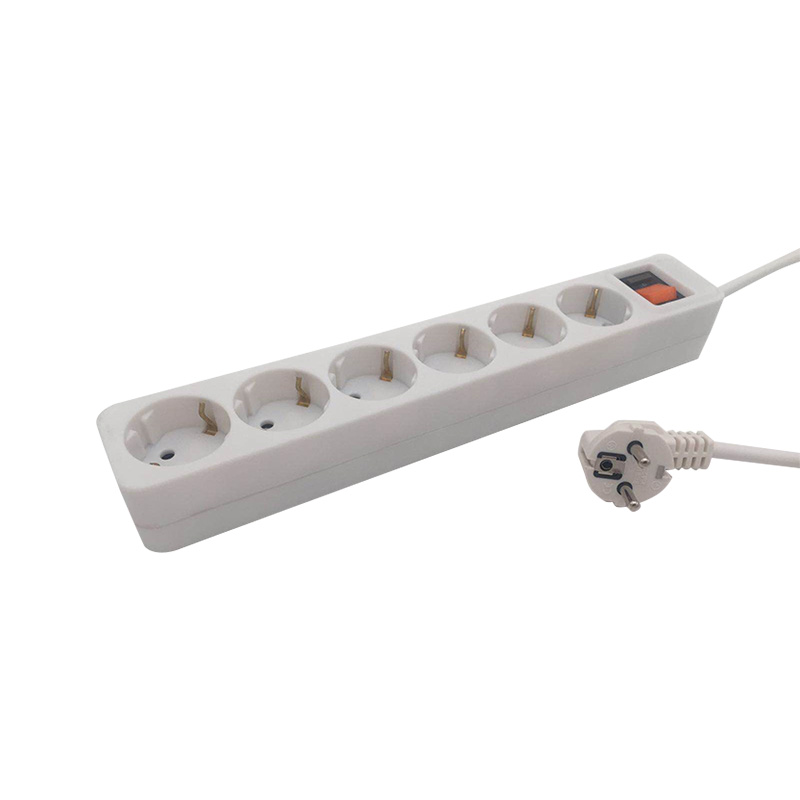
Blue Power Strips: Color Coding and What It Means in Practice
Blue as a power strip color carries different meanings depending on the context in which it is used. Understanding the distinction between professional color-coding standards and consumer color choices helps you select the right product.
Blue in Professional and Data Center Environments
In structured cabling and power distribution systems, color conventions are widely — though not universally — standardized. Blue power distribution units (PDUs) and power strips are most commonly designated for UPS-backed circuits, meaning they are connected to an uninterruptible power supply that maintains power during outages. This distinguishes them from orange strips (typically surge-only), red strips (high-priority or emergency circuits), and grey or black strips (standard utility power).
In server racks and audio-visual installations, using blue strips exclusively for UPS outputs allows technicians to instantly identify which outlets are battery-backed without tracing cables — a significant advantage when working under pressure during a power event. Several major rack PDU manufacturers including Tripp Lite, APC, and CyberPower offer blue-colored units specifically for this purpose.
Blue Power Strips in Home and Consumer Settings
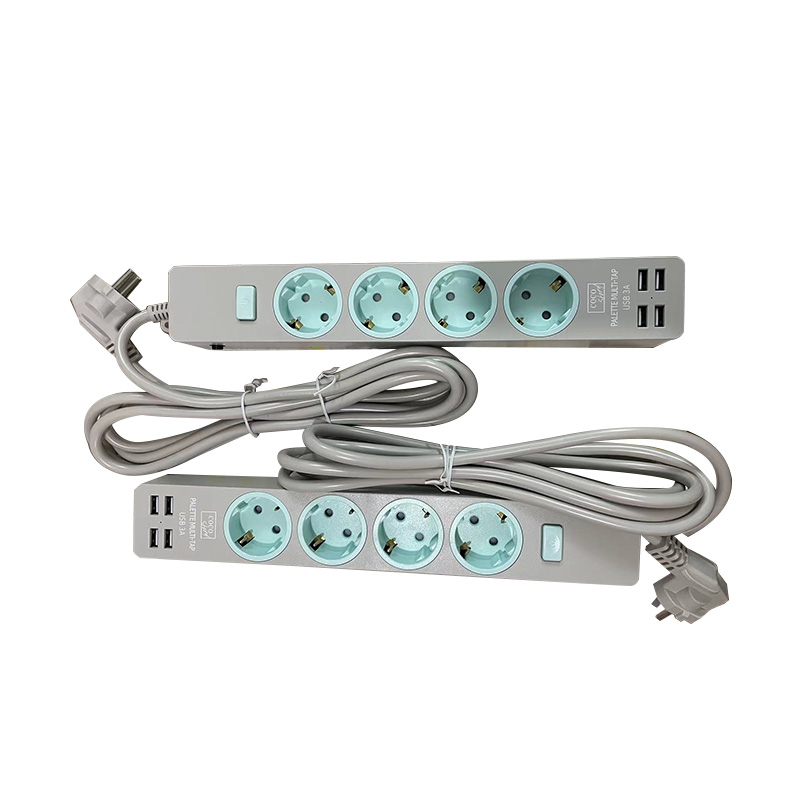
In consumer applications, blue power strips are chosen primarily for visual organization and aesthetics. Gaming desks, streaming setups, and home offices increasingly use color-coded power management — assigning different colored strips to different circuit functions (monitor and PC on one color, audio gear on another, lighting on a third). Blue is particularly popular in RGB-lit setups where it complements LED lighting schemes without clashing.
Some blue consumer power strips include LED accent lighting along the housing body, making them visible under desks in low-light conditions — useful for locating the master switch or a specific outlet without turning on room lighting.
What to Check Before Buying: Specifications That Actually Matter
Power strips vary widely in electrical quality, safety certifications, and physical construction. Evaluating the following specifications will help you avoid products that underperform or pose safety risks.
Amperage and Total Load Capacity
The majority of residential power strips are rated for 15 amps at 125 volts (1,875 watts total). This is the standard for 15A household circuits. Overloading a power strip — by plugging in devices whose combined wattage exceeds this rating — is one of the leading causes of residential electrical fires. Always calculate the combined load of connected devices and stay below 80% of the strip's rated capacity (approximately 1,500 watts on a 15A strip) to account for safe operating margins.
Surge Protection Rating (Joules)
Not all power strips include surge protection — a plain power strip without a surge protector offers no protection against voltage spikes. For electronics, look for a surge protector rating expressed in joules. A minimum of 1,000 joules is recommended for general electronics; 2,000 joules or more is preferable for computers, televisions, and audio equipment. Budget strips often advertise very low joule ratings (200–400 joules) that are depleted after a single significant surge, after which the strip provides no further protection even though it continues to function as a basic power strip.
Safety Certifications
Always verify the presence of a recognized safety certification mark on any power strip. In the United States, look for UL (Underwriters Laboratories) or ETL (Intertek) listing. In Europe, CE marking is required. These certifications confirm that the product has been independently tested for electrical safety compliance. Uncertified power strips — particularly low-cost imports without any listing mark — present a genuine fire and shock hazard and should be avoided entirely.
Number and Spacing of Outlets
Outlet count alone is an incomplete metric. Outlet spacing is equally important — tightly packed outlets make it impossible to use bulky transformer plugs (wall warts) in adjacent sockets without blocking neighbors. Look for strips that include widely spaced outlet clusters or rotating/angled outlets that accommodate large adapters without sacrificing adjacent positions. Some strips offset every other outlet at 90 degrees specifically to address this problem.
Power Strip Comparison: Removable Cord vs. Fixed Cord Models
| Feature | Removable Cord Power Strip | Fixed Cord Power Strip |
|---|---|---|
| Cord replaceability | Yes — independent cord swap | No — full unit replacement required |
| Cord length flexibility | High — any compatible length | Fixed at purchase |
| Installation ease | Easier mounting (cord disconnects) | More cumbersome in tight spaces |
| Typical price range | $20–$80+ | $10–$60+ |
| Product lifespan potential | Extended (cord failures serviceable) | Limited by cord integrity |
| Availability | Less common in retail stores | Widely available everywhere |
| Best for | Desks, racks, long-term installs | Temporary or portable use |
Best Use Cases for a Blue Power Strip With Removable Cord
Combining the removable cord format with a blue housing addresses a specific set of use cases where both serviceability and visual identification matter.
- Home office and workstation setups: Under-desk cable management benefits directly from the removable cord — the strip mounts cleanly to the underside of the desk, and the cord is routed to the wall outlet separately. Blue color-coding visually distinguishes the primary PC circuit from other strips handling lighting or audio gear.
- Gaming and streaming desks: Blue power strips complement RGB lighting aesthetics and are visible under desks without looking out of place. The ability to swap to a longer cord when rearranging equipment saves the cost of replacing an entire strip.
- Small server and NAS installations: Home lab users running NAS devices, mini PCs, and network switches in compact racks benefit from the IEC C14 inlet compatibility, which matches the same cord standard used by their rack equipment.
- Photography and video production studios: Color-coded circuits on a production set help distinguish which outlets are on dedicated circuits versus shared utility power, reducing the risk of tripping a breaker during a shoot by overloading a shared circuit.
- Educational and makerspace environments: Workshops and classrooms where power strips are frequently repositioned benefit from the modular cord design, which handles repeated connect-disconnect cycles better than fixed cords that develop fatigue at the strain relief point.
Common Features Found on Quality Models
Beyond the removable cord inlet and color, higher-quality power strips in this category include several features that improve both safety and convenience. Knowing what to look for prevents spending money on a visually attractive product that underdelivers functionally.
- Master power switch with illuminated indicator: A lighted on/off switch makes the strip's operating status visible at a glance, which is especially useful in low-light environments or when the strip is mounted beneath a desk or behind equipment.
- Individual outlet switches: Some models include per-outlet switching, allowing specific devices to be powered off without unplugging them — useful for eliminating standby power draw from devices like printers or game consoles when not in use.
- USB charging ports: Integrated USB-A and USB-C ports (typically delivering 2.4A to 20W per port) add charging convenience without occupying AC outlets. Look for ports rated at USB Power Delivery (USB-PD) if you need to charge laptops or tablets at full speed.
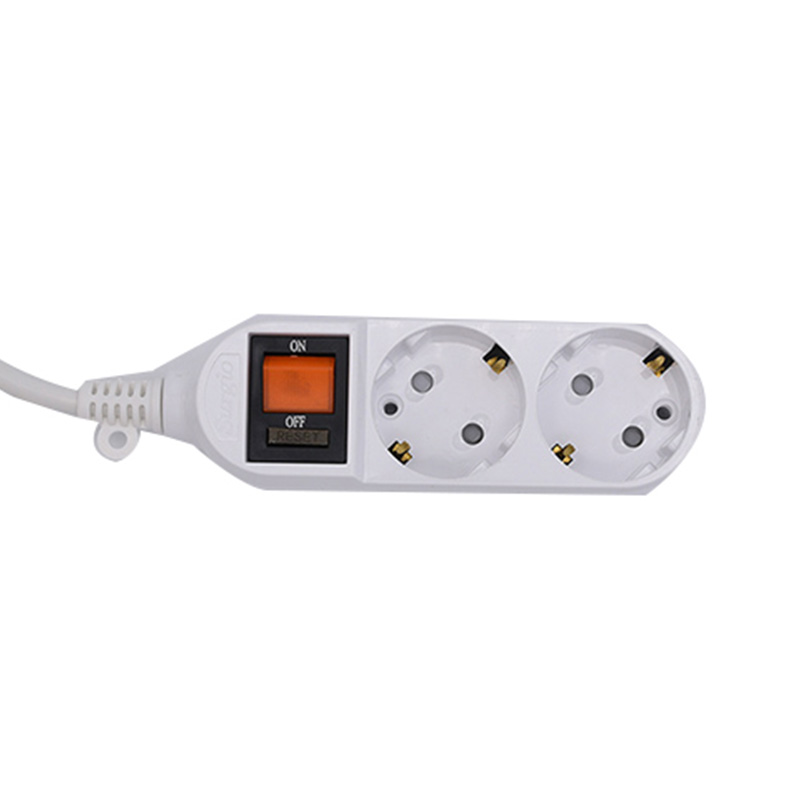
- Thermal fuse or resettable circuit breaker: A thermal fuse cuts power automatically if the strip overheats. A resettable breaker does the same but can be reset without replacement — preferable for permanent installations where access to reset is convenient.
- Flat plug design on the power cord: A flat or low-profile plug on the IEC C13 end that connects to the wall outlet sits flush against the wall and reduces the footprint behind furniture — a small but meaningful detail for tight installations.
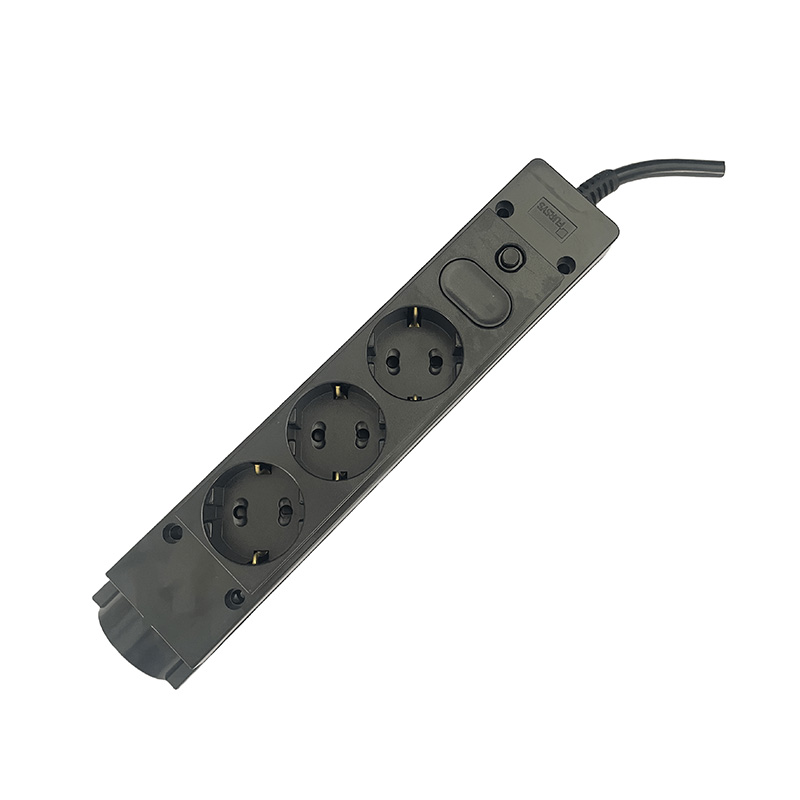
- Mounting keyholes or integrated brackets: Purpose-built mounting points on the strip housing make under-desk or wall installation clean and permanent without requiring additional hardware or adhesive mounts that may fail over time.
How to Replace the Cord on a Removable Cord Power Strip Safely
Replacing a detachable power cord is straightforward, but a few precautions ensure the process is done safely and that the replacement cord is correctly matched to the strip's specifications.
- Unplug the strip from the wall outlet first. Never disconnect or reconnect the cord at the strip's inlet while the cord is live at the wall end. The C14 inlet is not rated for hot-swapping under load.
- Turn off all connected devices and switch off the strip's master switch if one is present, before disconnecting the cord from the inlet.
- Note the original cord's gauge and amperage rating. The replacement cord must be rated for at least the same amperage as the strip. A 15A power strip requires a minimum 14 AWG cord; a 20A strip requires 12 AWG. Using an undersized replacement cord is a fire hazard.
- Match the connector type precisely. Confirm whether the inlet is C14 (standard 15A) or C20 (20A) before ordering a replacement. These connectors are visually similar but not interchangeable.
- Inspect the new cord before connecting. Check for any damage to the insulation, connector pins, or strain relief before plugging in. A damaged replacement cord should not be used regardless of its source.
- Seat the connector fully until it clicks or locks. A partially inserted C14 connector can arc internally, damaging the inlet contacts over time. Confirm the connector is fully seated before restoring power.

PRODUCTS
ABOUT US
CONTACT INFO.
- +86-18758062352
- +86-0571-64701616
- [email protected]
- No. 7, Xinqu Road, Xin’Anjiang Street, Jiande, Hangzhou, Zhejiang, China

Copyright © 2023 Hangzhou Newmany Electronics Co., Ltd. All Rights Reserved. Power Strip Manufacturer in China| Login

 TOP
TOP