
 ENG
ENG
 English
 русский
 한국어
한국어 Deutsch
Submit feedback
News
 Home / News / Industry News / Can You Plug a Smart Plug Into a Power Strip? A Complete Safety and Load Guide
 Can You Plug a Smart Plug Into a Power Strip? A Complete Safety and Load Guide
 2026.09.14
 Industry News
Yes, you can plug a smart plug into a power strip, but the answer comes with conditions. The combination is safe when the total current draw stays below the lower of the two current ratings, and when the physical dimensions of the plug do not block adjacent sockets. In practice, this means checking the numbers and choosing a strip designed for real-world use.
Content
Start With the Rated Current, Not Convenience
Smart plugs do not change the laws of electricity. Each one is a switch, a wireless receiver, and a load in series. Most smart plugs carry a current rating of 10 A, 13 A, or 16 A depending on the market. A power strip has its own rating, commonly 10 A or 16 A for EU-standard models. The safe limit for the circuit is the lower of those two numbers.
When you connect a smart plug into a power strip, the same current flows through the power strip, the smart plug, and the appliance. If any one component is pushed beyond its rated capacity, heat builds up. You cannot rely on one device to protect the others, so the calculation must be done before plugging everything in.
The following table shows a typical desktop setup at 230 V.
| Device | Power draw | Current draw |
|---|---|---|
| Space heater | 1500 W | 6.5 A |
| Desktop computer | 300 W | 1.3 A |
| Monitor | 50 W | 0.2 A |
| Phone charger | 10 W | 0.05 A |
| Total | 1860 W | 8.05 A |
This setup draws roughly 8 A, which fits under both a 10 A smart plug and a 10 A power strip. But replace the monitor with another space heater, and the total jumps to almost 13 A. That would overload the smart plug even if the power strip is rated 16 A.
Treat a power strip as a shared bus for current, not as a license to ignore ratings. Add up every appliance, including those connected directly, and compare the sum with the lowest rated element in the chain.
Motors and heating appliances can also draw a brief inrush current when they start. A refrigerator compressor, for example, can pull two or three times its running current for a fraction of a second. The steady-state current may look fine on paper, but the inrush pulse can stress a marginal smart plug. Keep a safety margin of at least 20 percent below the rating.
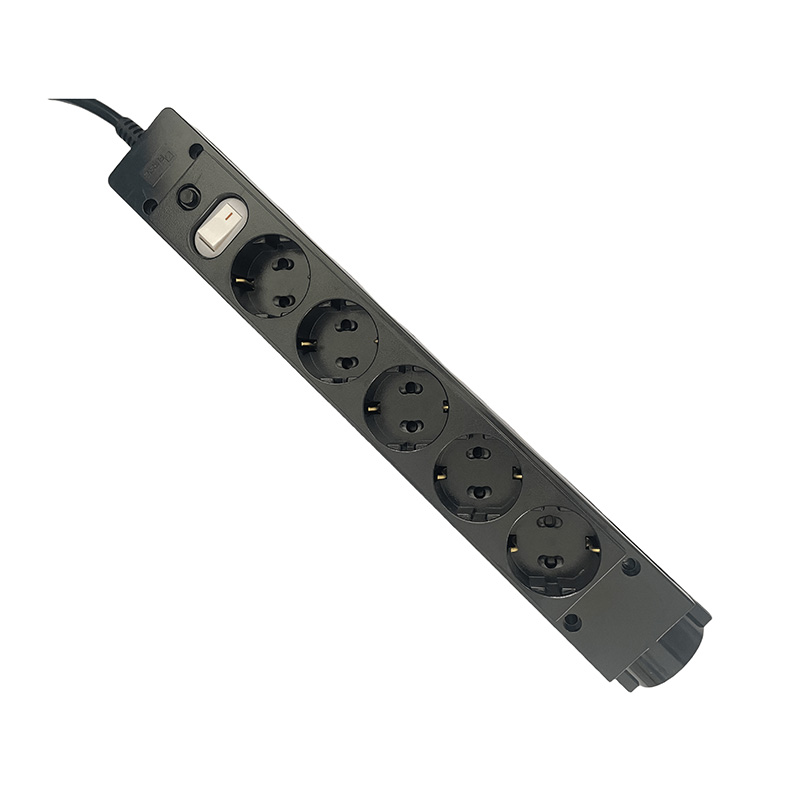
When the expected load is close to the limit, a power strip with an overload protection switch provides a clear cutoff point. The switch opens automatically before the current becomes dangerous, which adds a second layer of control behind the smart plug.
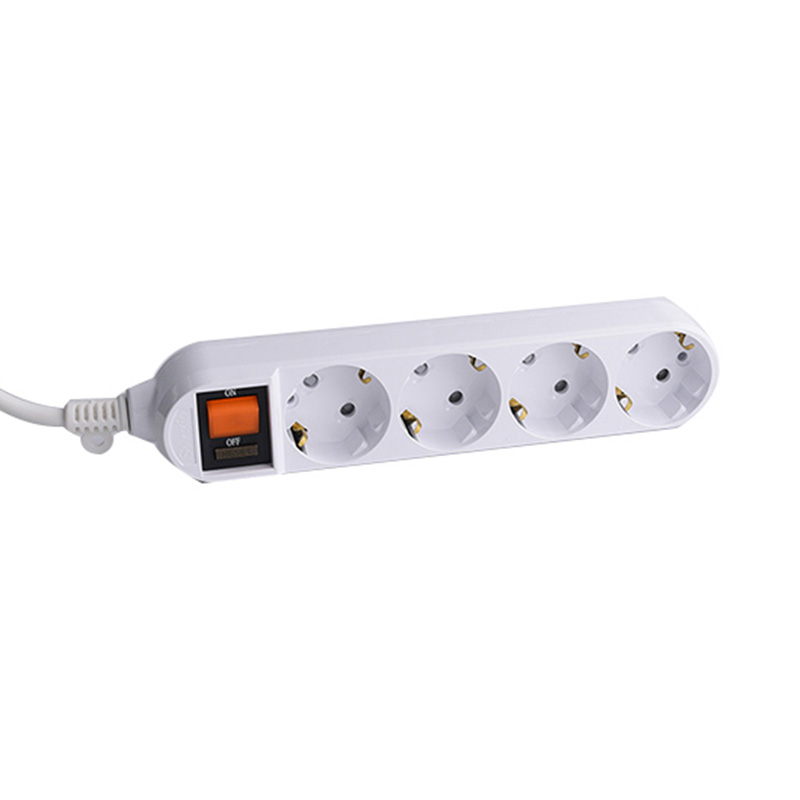 4-Outlet EU Power Strip with Overload Protection SwitchThis power strip pairs a 16A overload protection switch with a fire-resistant PC shell, adding a safe circuit cutoff point before plugging in smart plugs and high-power appliances.View Product →
Physical Fit: The Problem You Notice Only After It Is Too Late
Smart plugs are physically larger than ordinary plugs because they contain a relay, a Wi-Fi module, and sometimes power monitoring electronics. This extra bulk becomes a problem when you insert a smart plug into a power strip with closely spaced outlets. One smart plug can cover two or three neighboring sockets, leaving useful positions inaccessible.
Wall-wart transformers are another common source of space problems. They are often square and wide, and they can easily cover an adjacent socket on a standard power strip. A smart plug with a built-in energy meter is usually no smaller. Combined with a wall-wart charger, the physical stack can become unstable. This is why socket spacing matters more than the total number of sockets.
The fix is to look for a power strip with enough spacing between sockets or with sockets arranged at different angles. Another practical option is a power strip with built-in USB ports. USB ports let you charge phones, tablets, and battery packs without using a socket, so the larger outlets remain available for smart plugs and bulky power adapters.
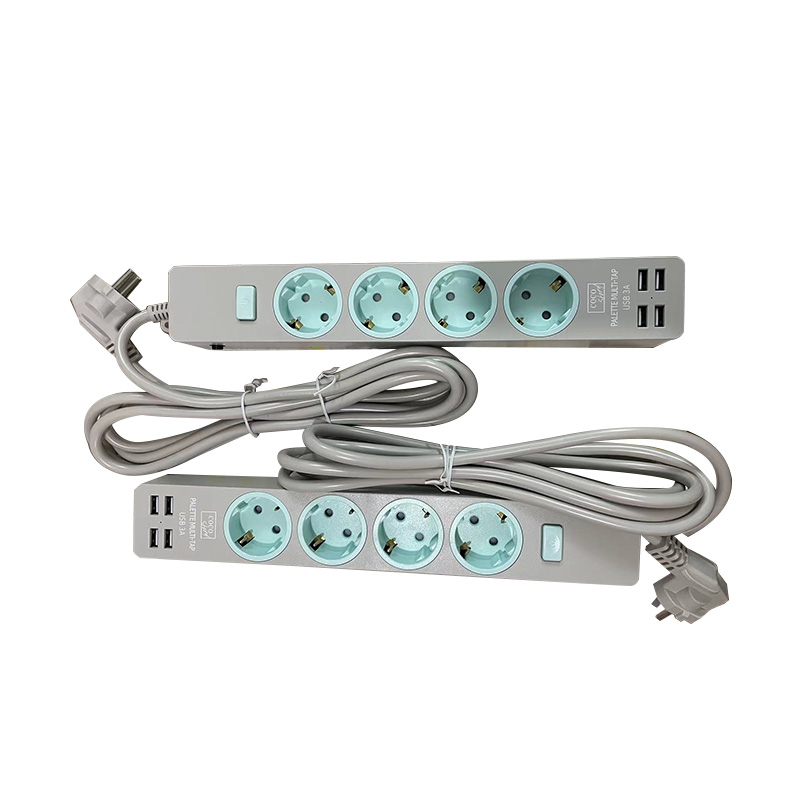
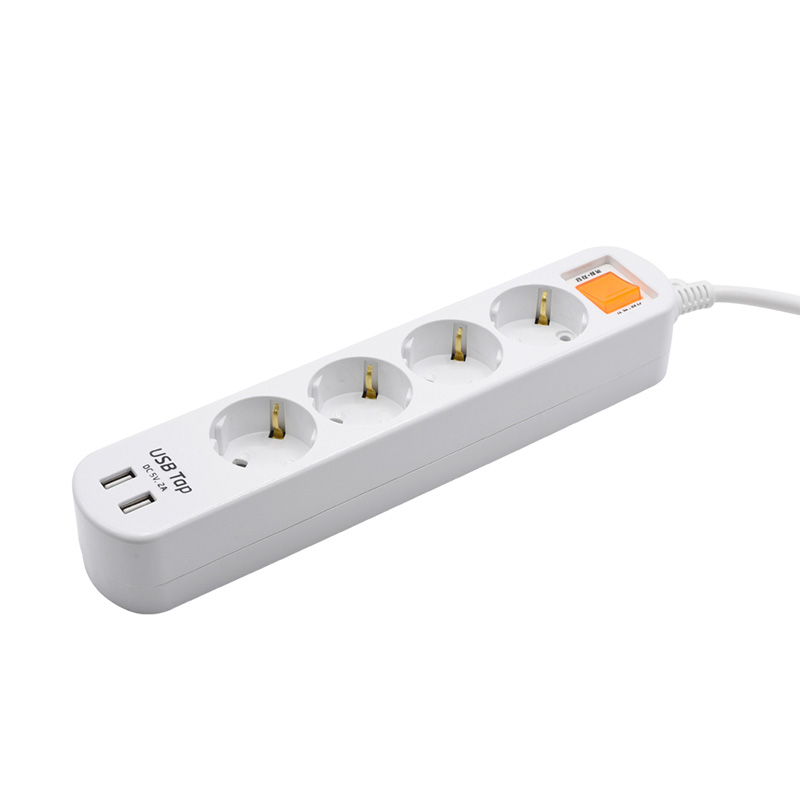 4-Outlet EU Strip with 2 USB Ports and Overload SwitchIts two USB ports free up AC outlets for bulky smart plugs, while the 5V 2.4A charging output and overload protection make it a practical companion for a smart home setup.View Product →
Protection Features That Matter
Not all power strips offer the same level of protection. A plain fused socket block is still functional, but it does very little when a connected appliance draws too much current. A power strip with an overload protection switch uses a circuit breaker to cut power to the entire strip when the current exceeds its rated threshold. This is useful in a smart home setup because a smart plug cannot protect the circuit upstream of itself; it only switches whatever is connected to its own outlet.
A power strip with surge protection adds a metal oxide varistor, or MOV, that clamps voltage spikes caused by lightning or nearby motors. However, surge protection does not increase current capacity. It only limits transient overvoltage. If your smart plug is used with expensive electronics, a strip with surge protection is a sensible addition, but you still need to check the current rating first.
The housing material also affects long-term safety. PC plastic offers better heat resistance and flame retardancy than ordinary thermoplastics, which is important when a few smart plugs run continuously and generate modest heat inside a confined space. You can read more about the relationship between heat resistance, fire resistance, and flame retardancy in PC material power strips.
Consider certification marks as a baseline. A power strip that carries a recognized national standard mark for your market is more likely to meet basic safety requirements than an unmarked product.
Independent Switches Give You More Control
Smart plugs are meant to provide remote control, but there are times when manual control is still the quickest path. A power strip with independent switches allows you to cut power to one outlet without unplugging anything or opening an app. This is helpful when a smart plug loses its Wi-Fi link, needs a hard reset, or turns into a problematic state after a firmware update.
Independent switches work especially well in a desk or entertainment setup, where you may want to switch off the speakers and monitor while leaving the main computer on standby. Combining a smart plug with an independent switch gives you both automation and a simple physical fallback.
One practical approach is to divide devices by function. Put the entertainment group on one smart plug, the lighting group on another, and the desk accessories on a third. Each group should have its own calculation. The power strip then acts as a physical organizer, while the smart plugs provide remote or scheduled switching for each group. This reduces the temptation to connect every high-power device to a single electrical point.
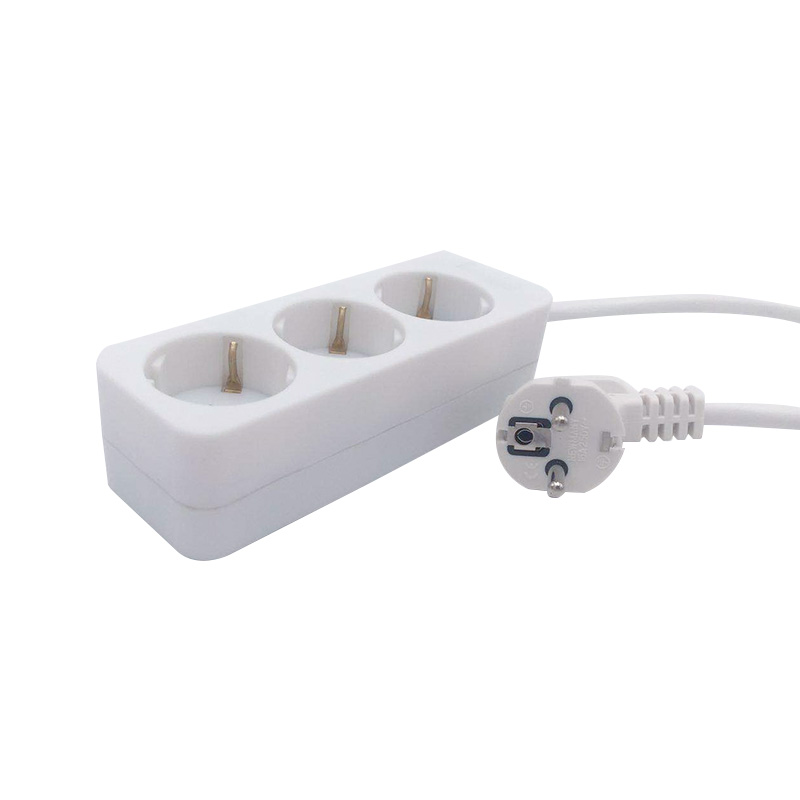
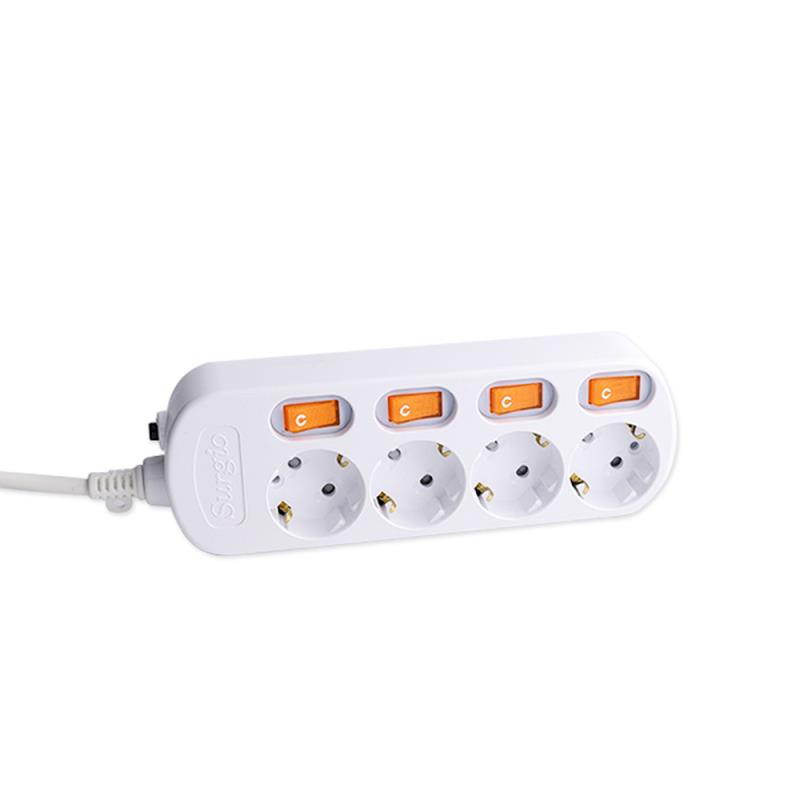 4-Outlet EU Socket with Independent SwitchesEach outlet has its own switch, letting you control separate device groups manually or pair them with smart plugs for scheduled power management, all within a durable flame-retardant shell.View Product →
Choosing a Power Strip for Smart Plugs
Use this checklist when selecting a power strip that will host one or more smart plugs.
- Confirm that the current rating of both the power strip and the smart plug is higher than the expected total load.
- Check the spacing and orientation of sockets so larger smart plugs do not block adjacent outlets.
- Prefer a strip with overload protection, and consider independent switches for manual control.
- Look at the material of the housing. PC material offers better heat resistance and flame retardancy for continuous use.
- Verify that the product carries the relevant certification marks for your local power grid.
Weight and cord length also matter. A heavy strip with several smart plugs can pull itself out of a wall socket if the cord is too short. Choose a cord length that allows the strip to lie flat on a stable surface, and avoid hanging it from the socket by its own weight. A loose connection generates heat and should be corrected immediately.
We have been making power strips and sockets since 1989 and follow an ISO 9001 quality management system. You can find more about our manufacturing background on our company homepage.
Plugging a smart plug into a power strip is not inherently unsafe. It is a normal installation, as long as you respect the current rating of every component, confirm that the plug fits without crowding, and choose a power strip with adequate protection. When these conditions are met, you get a reliable setup that combines remote control with the flexibility of a multi-outlet strip.


PRODUCTS
ABOUT US
CONTACT INFO.
- +86-18758062352
- +86-0571-64701616
- [email protected]
- No. 7, Xinqu Road, Xin’Anjiang Street, Jiande, Hangzhou, Zhejiang, China

Copyright © 2023 Hangzhou Newmany Electronics Co., Ltd. All Rights Reserved. Power Strip Manufacturer in China| Login

 TOP
TOP