
 ENG
 English
 русский
 한국어
 Deutsch

Submit feedback
News
 Home / News / Industry News / Cable and Ethernet Wall Plates: How to Choose, Install, and Avoid Costly Mistakes
Cable and Ethernet Wall Plates: How to Choose, Install, and Avoid Costly Mistakes
 2026.11.16
 Industry News
A cable and ethernet wall plate is a small part of a network, but it is where the visible installation meets the hidden cable run. The wrong plate depth, keystone jack, or cable category can turn a clean wall into an intermittent connection that is hard to trace. The practical rule is simple: choose the plate after you know the cable, the box depth, and the mounting surface—not the other way around.
Content
Start with the cable, then pick the plate
Ethernet wall plates are passive parts. They do not improve signal quality, and they can degrade it if the jack, termination, or cable bend is wrong. For most homes and small offices, an unshielded Cat6 keystone jack in a plastic plate is a sensible default. Cat6a or shielded cable calls for a shielded jack and a plate that can bond the shield; otherwise the shield becomes an antenna rather than a barrier.
Fixed-port plates look tidy, but they are less forgiving. If a port is damaged, you replace the whole plate. Keystone plates cost a little more up front and let you change one jack, mix voice and data, or add a fiber or coax module later. In leased offices and retrofit work, that flexibility usually pays for itself.
| Plate type | Best for | Watch out for |
|---|---|---|
| Plastic keystone plate | Homes, small offices, mixed Cat5e/Cat6 runs | Cheap tabs can break; check jack fit |
| Fixed-port plate | Simple, single-cable drops | One damaged port means a new plate |
| Shielded plate | Cat6a, industrial spaces, noisy electrical areas | Shield must be bonded at both ends or left open by design |
| Metal plate | Rugged commercial walls, surface-mount boxes | Can distort Wi-Fi if placed behind an access point |
| Surface-mount box | Brick, concrete, or no cavity behind the wall | Adds depth; cable entry needs a proper gland or grommet |
Match the jack to the cable category
A Cat6 cable terminated on a Cat5e jack is a Cat5e link at best. The same applies to Cat6a on a Cat6 jack. The weak point sets the ceiling. Use the same category for cable, jack, patch panel, and patch cord, and keep the termination tight. For Cat6, the TIA-568 standard limits the untwisted pair length at the termination to about 13 mm. Exceed that, and near-end crosstalk rises quickly.
Shielding is not automatically better. In a home with few electrical disturbances, unshielded twisted pair is easier to terminate and less prone to ground-loop problems. In a workshop or an area with variable-frequency drives, shielded cable can help, but only if the shield is bonded correctly at the panel and the plate. A floating shield is a common installation fault.
Use the same wiring scheme at both ends—T568A or T568B—and label both the cable and the jack. A wall plate with two ports is not automatically two separate cables; it may be a single cable split for voice and data, which will not support Gigabit Ethernet.
Check depth, box fill, and bend radius before you cut
Most ethernet wall plates are designed for a single-gang opening, but the box behind it matters more than the plate. A shallow box can put pressure on the jack and bend the cable too tightly. Leave a service loop of about 150–200 mm inside the wall, and keep the bend radius at least four times the cable diameter. For a 6 mm Cat6 cable, that means a radius of about 24 mm—not a sharp fold behind the drywall.
Old-work low-voltage brackets are fine for drywall, but they offer little protection against dust and paint. In masonry, use a surface-mount box and seal the cable entry. If the wall is already finished and the cavity is shallow, a right-angle or low-profile keystone jack can save the day. Do not force a deep jack into a shallow box; the connector may look seated but the latch can be under strain.
For multiple cables, count the ports before ordering. A double-gang plate with six keystones is easier to manage than three separate single plates, but it needs a larger opening and more careful cable dressing. Keep power and data cables separated by at least 50 mm where they run parallel, and cross at 90 degrees when they must meet.
Do not overlook the power side
Ethernet wall plates rarely live alone. They sit beside a power outlet, a desk, a TV, or a network cabinet. That adjacency matters. Running an AC extension cord parallel to a long Ethernet run can induce noise, especially with unshielded cable. Keep the data cable on the opposite side of the stud where possible, and use a proper outlet rather than a daisy-chained extension lead for permanent equipment.
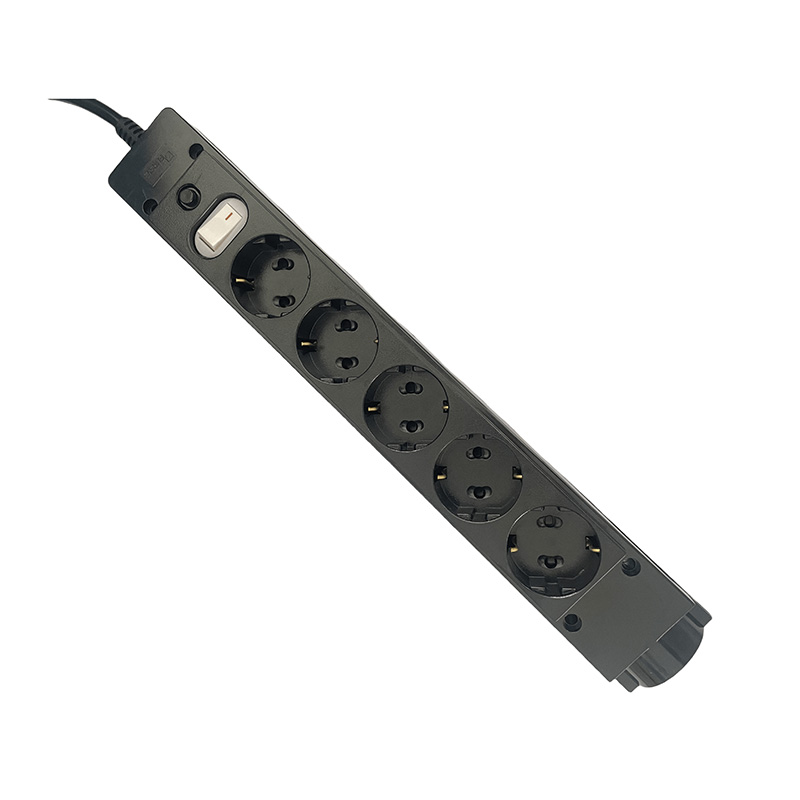
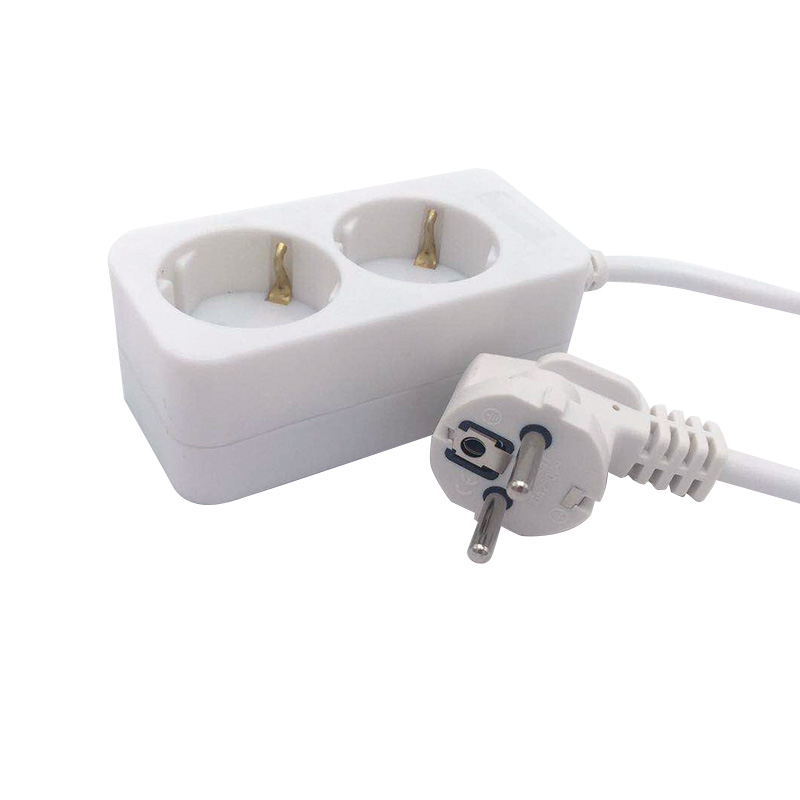
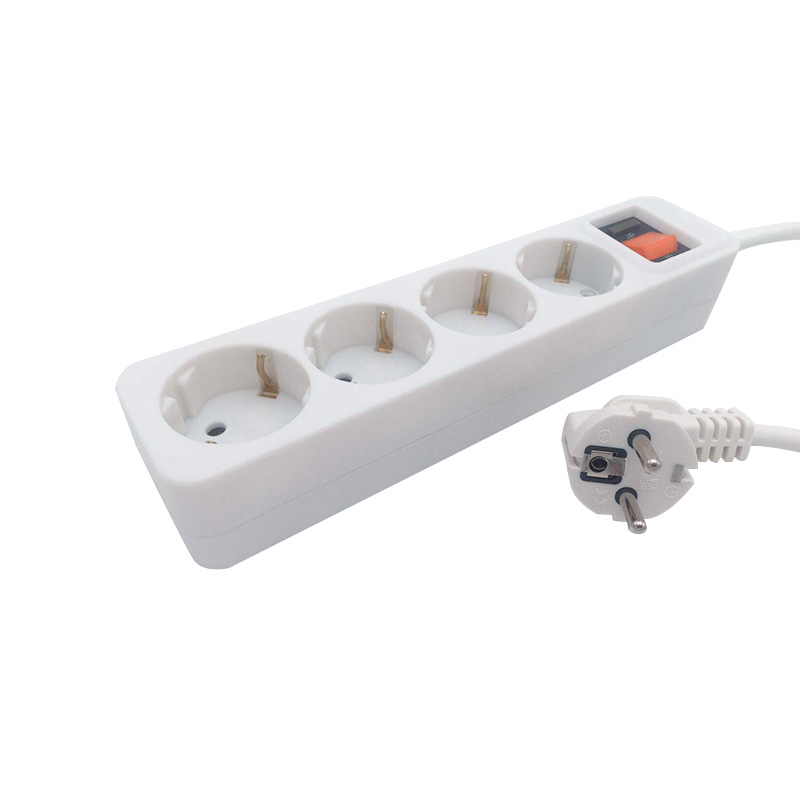
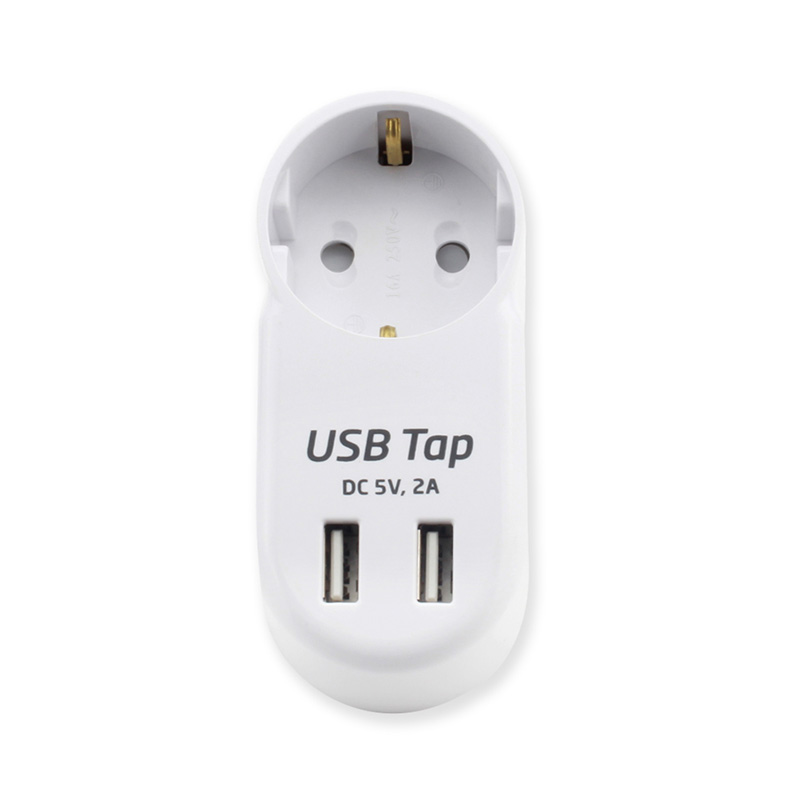
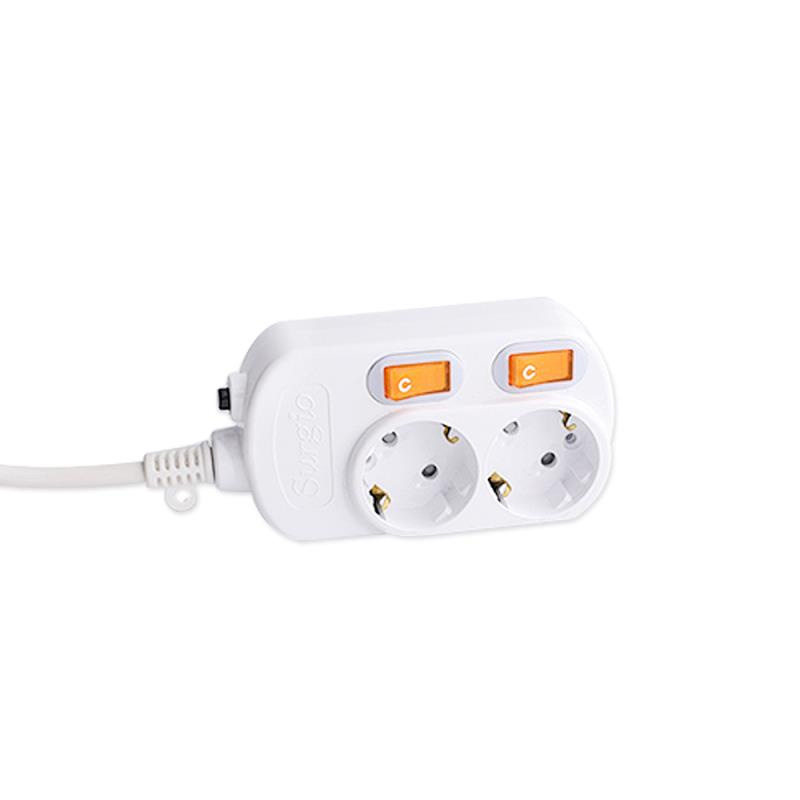
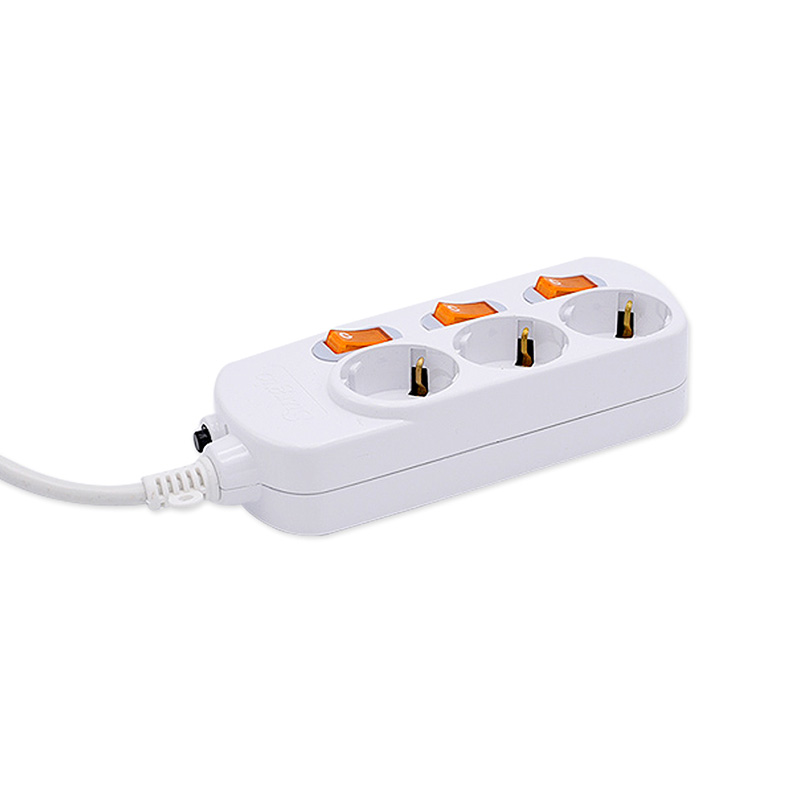
In a small office or media corner, a compact power strip or a T-shape socket can add outlets without blocking the wall plate. The goal is to keep the data cable clear of power adapters and to leave room for the bend radius behind the plate. For temporary work, a cable reel with a grounded connection is often more practical than several loose extension cords; the same safety rules apply, including checking the reel’s ground before use. If you are planning a long pull, review how cable length and reel capacity affect voltage drop and handling before you buy.
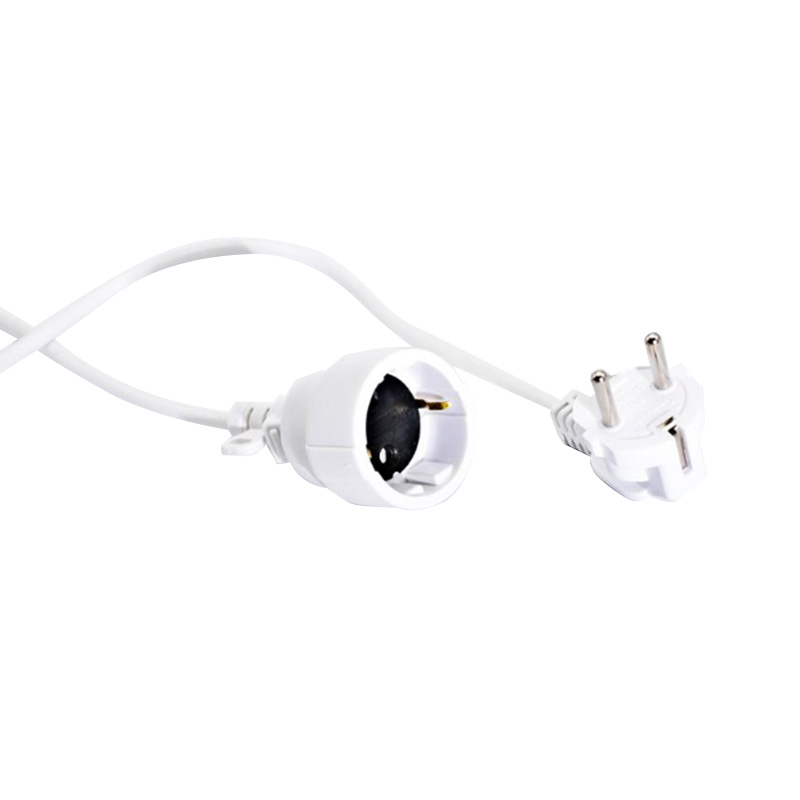 Single-Outlet EU Extension Socket with Overload SwitchCompact single-outlet EU extension socket with a 1.5 m cable and overload protection switch, useful where wall socket access is limited.View Product →
For permanent network cabinets, use a rack-mounted power distribution unit or a power strip with overload protection. Avoid plugging a switch, router, and NAS into the same unswitched adapter if you cannot isolate faults. A little separation between data and power is cheaper than tracing intermittent packet loss later.
Test the link, not just the plate
A wall plate can look perfect and still fail. A basic cable tester confirms wire map and continuity, but it will not show a marginal link. For Cat6 and above, use a certification tester or at least a qualifier that reports length, delay skew, and crosstalk margin. Common faults include split pairs, reversed pairs, untwisted conductors at the jack, and a cable jacket cut too far back inside the box.
- Split pair: pins 1-2 and 3-6 are wired to different pairs; continuity passes, but data rates collapse.
- Poor punch-down: a conductor is not fully seated, or the blade cuts the insulation but not the copper.
- Excess untwist: more than about 13 mm of untwisted wire at the jack raises crosstalk.
- Bend damage: a tight fold behind the plate changes impedance and can break the link at high speed.
Label both ends with the room and port number, then record the test result. In a multi-port plate, a simple label on the back of the jack saves time on the next move. If a link fails, re-terminate before replacing the plate; most faults are at the punch-down, not in the plastic.
Buying checklist for cable and ethernet wall plates
Before ordering, confirm the cable category, the number of ports, the wall opening, and whether shielding is required. Check that the jack matches the cable and that the plate has enough depth for the connector. For a retrofit, measure the cavity and choose a low-profile or surface-mount option if needed. For a new build, run spare conduit or a pull string; the cost is small compared with opening the wall later.
On the power side, choose products that match the local plug standard and load. A cable reel used for installation work should be rated for the cable length and properly grounded; a power strip in a network cabinet should have a clear current rating and, ideally, overload protection. These are separate from the Ethernet link, but they affect the reliability of the whole installation.
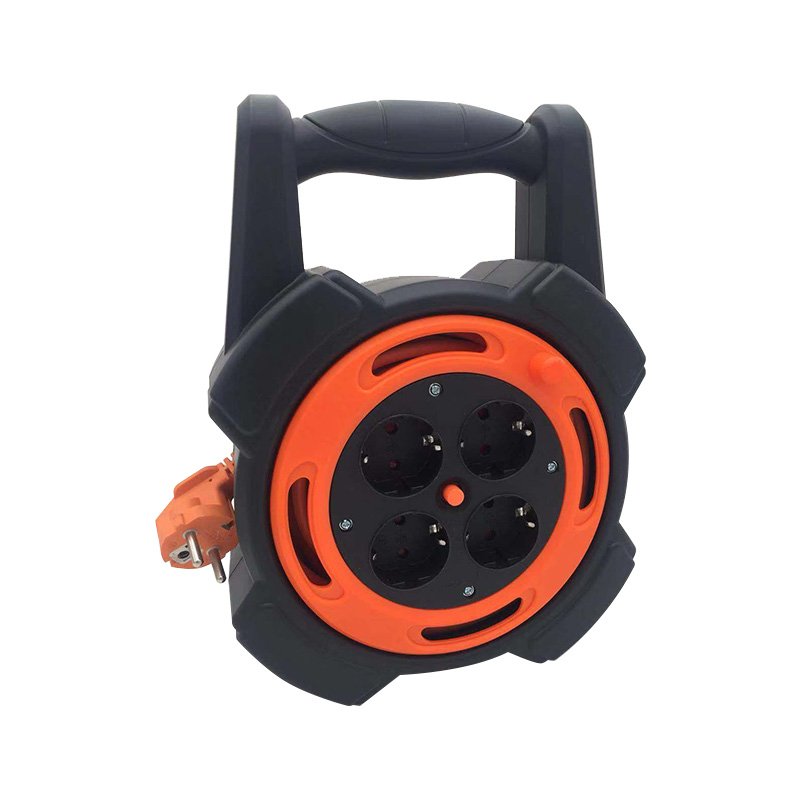 10 m EU Cable Reel with Overload ProtectionIndoor/outdoor EU cable reel with a 10 m cord, full-copper core and overload protection switch for organized, safer temporary power runs.View Product →
Finally, buy a few spare keystones and a spare plate. The price is low, and the spare parts let you fix a damaged port without delaying the job. A cable and ethernet wall plate is not the place to save the last few percent of the budget; the labor to reopen a wall is far more expensive than a better jack.
PRODUCTS
ABOUT US
CONTACT INFO.
- +86-18758062352
- +86-0571-64701616
- [email protected]
- No. 7, Xinqu Road, Xin’Anjiang Street, Jiande, Hangzhou, Zhejiang, China

Copyright © 2023 Hangzhou Newmany Electronics Co., Ltd. All Rights Reserved. Power Strip Manufacturer in China| Login

 TOP